✨ Image Enhancement with RecraftBot
To use the image quality enhancement feature, go to the ✨ Enhancement section in the main menu or enter the /upscale command. This will open the image upload page.
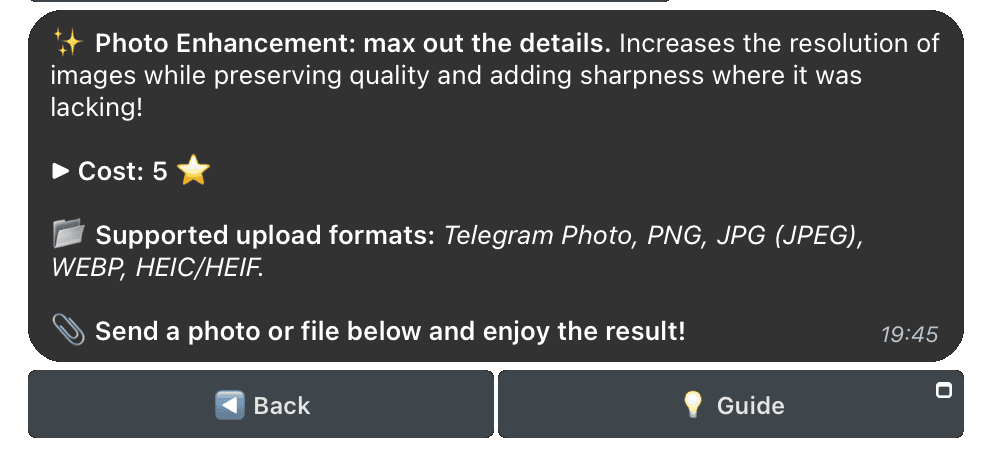
📂 Available Formats for Upload
You can send an image in one of the following formats:
- PNG
- JPG (JPEG)
- WEBP
- HEIC/HEIF
- Regular photo from Telegram
Note: If you want to preserve the highest image quality, send it as a file (without compression).
🎨 Result
The final image will be presented in enhanced quality with higher detail and resolution.
ℹ️
The tool is perfect for enhancing the quality of medium-detail images. However, for very blurry or low-quality photos, the result may be limited.
🚀 How to Get Started
- Upload an image to the bot chat in one of the supported formats.
- Wait for the processing to complete.
- Download the result.
Enhancing image quality has never been this easy!