📐 Image Vectorization with RecraftBot
To use the vectorization feature, go to the 📐 Vectorization section in the main menu or enter the /vectorize command. This will open the image upload page.
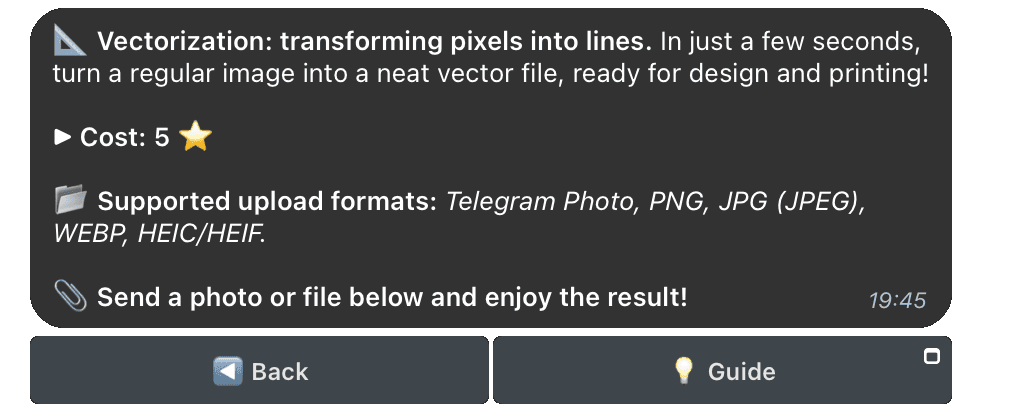
📂 Available Formats for Upload
You can send an image in one of the following formats:
- PNG
- JPG (JPEG)
- WEBP
- HEIC/HEIF
- Regular photo from Telegram
Note: If you want to preserve the highest image quality, send it as a file (without compression).
🎨 Result
The final image will be presented in SVG format, ideal for working with vector graphics.
ℹ️
The tool is perfect for simple images with clear shapes and minimal details. However, for complex photographs with many details, the result may not be as high quality.
🚀 How to Get Started
- Upload an image to the bot chat in one of the supported formats.
- Wait for the processing to complete.
- Download the result.
Creating vector images has never been this easy!